
ARVECTUM TOOLS · iPhone
Compress photos and PDFs to the size you need
Your form says “maximum 100 KB”, “less than 1 MB” or “specific pixel dimensions”? Prepare the file on your iPhone, with a clear before-and-after result.
Your photo and PDF content is processed locally on your iPhone. An internet connection may be used to load ads; your files are not uploaded for processing.
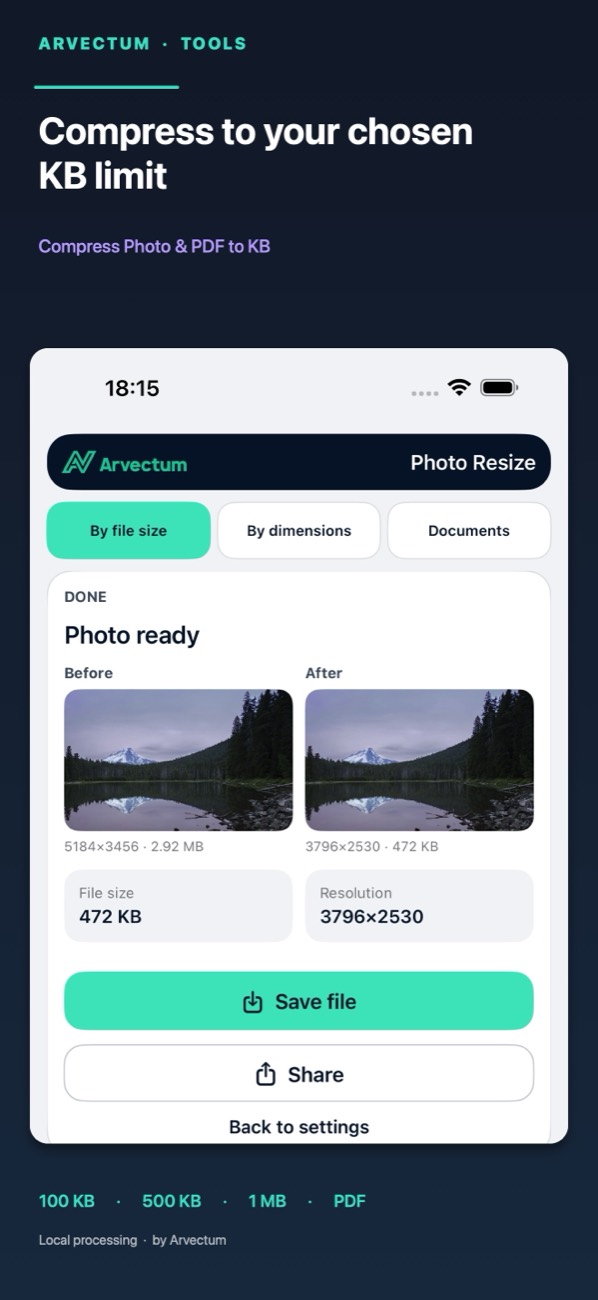
Compress a photo to 100 KB, 500 KB or 1 MB
Choose a KB/MB limit or enter your own. Check the real output size before saving or sharing.
Reduce a PDF for an upload form
Reduce a PDF without sending it to an online converter. Very strong compression can turn text pages into images, making text selection unavailable.
Resize an image in pixels
Set pixel dimensions and export JPEG, PNG or HEIC where supported. Review the image before you save.
Prepare international document photos
Use technical presets for selected passports and visas, including US digital visa and India e-Visa. Final acceptance depends on the authority.
FAQ
Will the result always be under the target limit?
The app checks the output size; the achievable result depends on the source file and chosen settings.
Can I compress a PDF without a website?
Yes. PDF processing runs on the iPhone, and strong compression may rasterize pages.
Can it guarantee passport photo acceptance?
No. The presets only prepare technical file properties. Check the applicable official rules.